MultiPortal Licensing
This page details the usage of the MultiPortal licensing add-on that allows you to use Plant an App modules on secondary portals.
What is "MultiPortal licensing"?
Through this add-on, users can now license additional portals in environments in which multiple portals/tenants are available. After licensing the portal with the "PlantAnApp MultiPortal Licensing", features such as the Forms, Listings, Search and Nav modules can be used on secondary portals.
Prerequisites
- Plant an App version 1.24 and above (on-prem installation)
- A Plant an App enterprise license
- Available site licenses
Installation
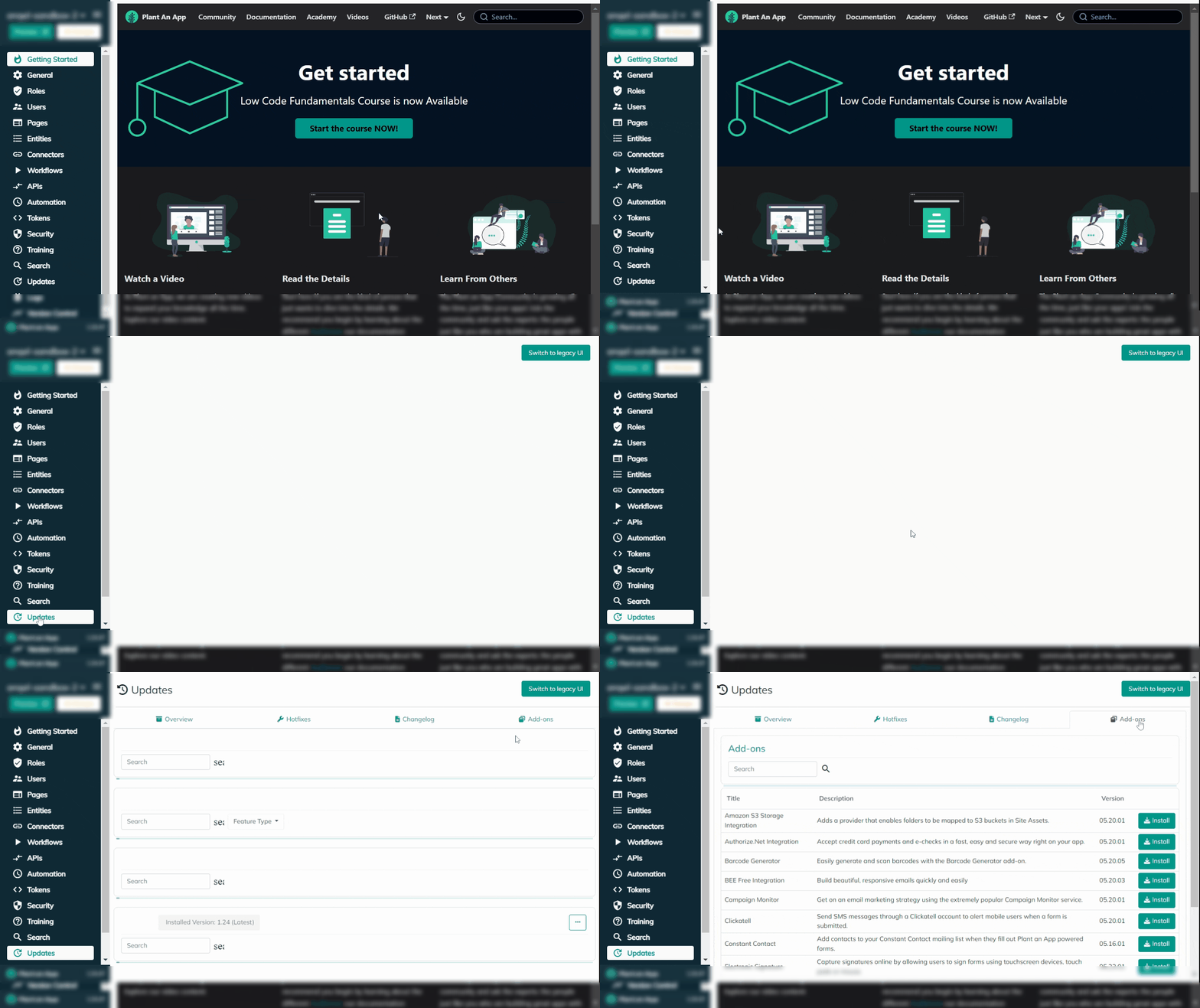
To use the multi-portal licensing feature you must install a special licensing add-on. You can find it under Configuration > Updates > Add-ons.
Search for 'Multi' and you will find "PlantAnApp MultiPortal Licensing".
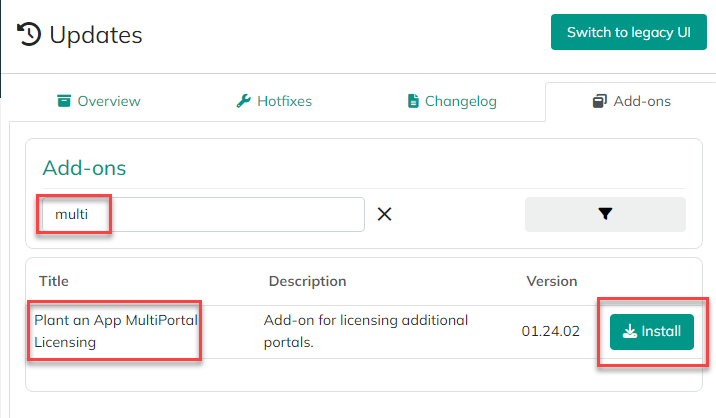
Install this add-on and wait for the site to come back online. Then, please follow the steps below for each portal on which you will use Plant an App components:
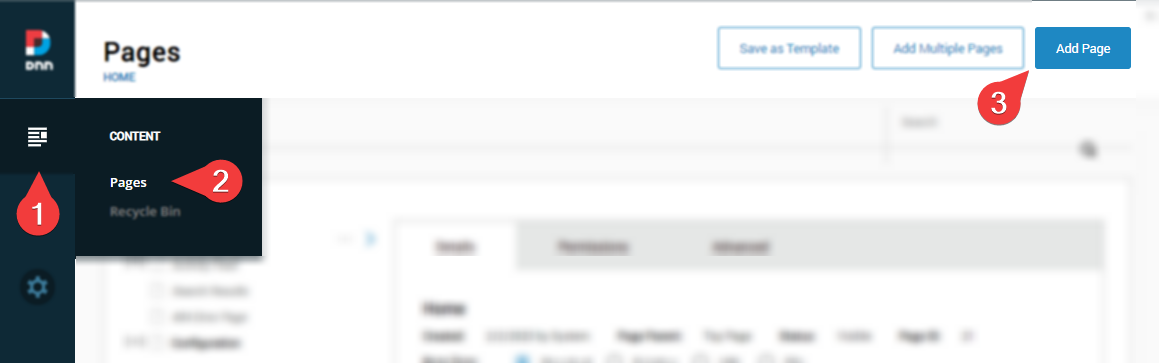
- Create a new page anywhere on the site. You can call it anything, but 'Plant an App License' makes sense. It can be a hidden page and permissions do not matter.
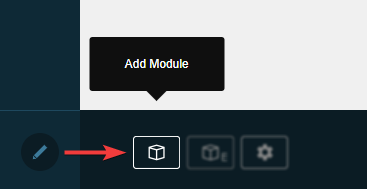
- Put the page in "Edit" mode by clicking on the ✎ (pencil icon) in the bottom left side of the screen, and then on the "Add Module" button.
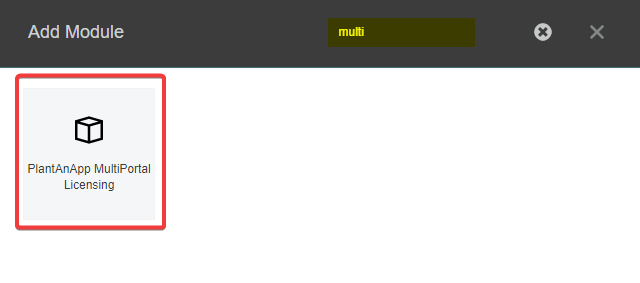
- Select and add the "PlantAnApp MultiPortal Licensing" module anywhere on the page (you may need to search for 'Multi' in the "Add Module").
-
Once it is added to the page, click the "
Activate" button that appears in the module. You will be redirected to:console.plantanapp.com. -
Login into the console with your Plant an App credentials.
-
Once the page loads, click the "
Activate" button. -
You will then be redirected back to your portal page, which will now say: "Portal successfully licensed!"
That's it! You can now use Plant an App Components on the site.